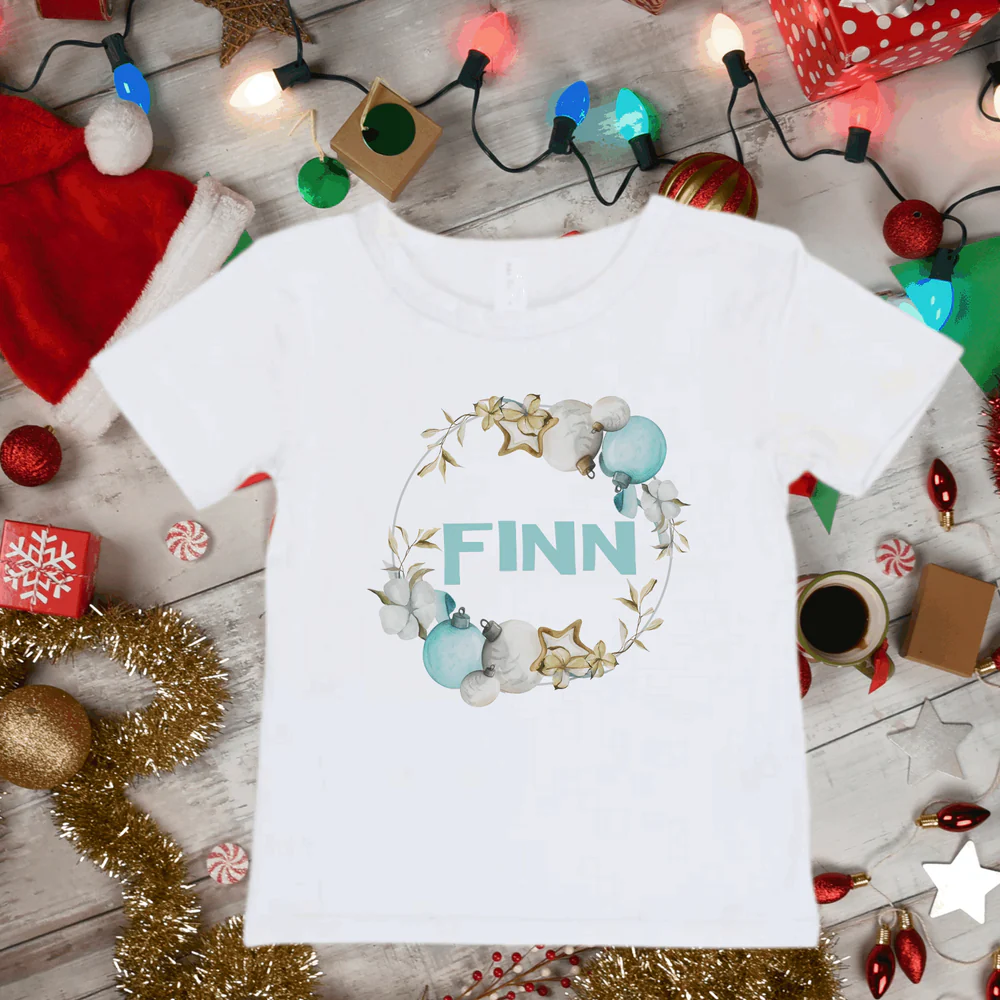
You finally cut your design, weeded it perfectly… and then the moment of truth arrives—ironing it on. Suddenly, things get confusing. Is it shiny side up? How long do you press? Why isn’t it sticking?
If you’ve ever felt unsure about using iron-on vinyl (also called HTV), you’re not alone. This is one of the most common pain points for Cricut beginners.
The good news? Once you understand a few simple rules, applying iron-on vinyl becomes quick, easy, and honestly pretty satisfying.
Here’s the Real Reason Your Iron-On Vinyl Isn’t Sticking
If your design peels, cracks, or doesn’t fully stick, it usually comes down to one of these issues:
- Not enough heat or pressure
- Pressing for too little (or too long)
- Forgetting to mirror the design
- Using the wrong fabric type
- Peeling at the wrong time
Iron-on vinyl isn’t complicated—but it is precise. Small mistakes can make a big difference.
What You’ll Need (On a Budget)
Before you start, gather everything so the process is smooth:
Essential materials:
- Cricut machine
- Cricut Design Space
- Iron-on vinyl (HTV)
- Cutting mat (usually green standard grip)
- Weeding tool
For applying:
- Household iron or Cricut EasyPress
- Heat-resistant surface (like an ironing board or towel)
- Parchment paper or Teflon sheet
Best surfaces:
- Cotton fabrics (t-shirts, tote bags)
- Polyester blends
- Some wood or canvas (for decor projects)
Step-by-Step: How to Use Cricut Iron-On Vinyl
Follow these steps carefully to get a clean, long-lasting result:
- Step 1: Create Your Design in Cricut Design Space
Upload or create your design.
Keep it simple if you’re just starting—small details can be harder to transfer. - Step 2: Mirror Your Design
This is critical. Always mirror your design before cutting.
Iron-on vinyl is applied face down, so your design must be reversed. - Step 3: Place Vinyl Shiny Side Down
The shiny side is the carrier sheet.
Place it face down on your mat before cutting. - Step 4: Select the Right Cut Setting
Choose “Iron-On” or “HTV” in your Cricut settings.
Do a test cut if you’re unsure. - Step 5: Weed Your Design
Remove the extra vinyl, leaving only your design on the carrier sheet.
Take your time—this step affects your final look. - Step 6: Prepare Your Fabric
Preheat your fabric for 5–10 seconds.
This removes moisture and wrinkles for better adhesion. - Step 7: Position Your Design
Place the vinyl (shiny side up now) onto your fabric.
Make sure it’s straight and centered. - Step 8: Apply Heat and Pressure
Press firmly with your iron or EasyPress.
Use consistent pressure—don’t just glide over it. - Step 9: Peel the Carrier Sheet
Follow instructions for your vinyl:- Warm peel: remove while slightly warm
- Cold peel: wait until completely cool
- Step 10: Final Press (Optional but Recommended)
Place parchment paper over the design and press again for a few seconds.
This helps lock everything in place.
How to Iron On Vinyl Cricut (Without EasyPress)
Don’t have a Cricut EasyPress? No problem—you can still get great results with a regular iron.
Here’s how:
- Set your iron to high heat (no steam)
- Apply firm, even pressure
- Press one section at a time for 10–15 seconds
- Avoid moving the iron back and forth
- Flip the fabric and press from the back for extra hold
The key difference: an iron requires more patience and consistency.
No Guesswork: Heat and Time Basics
Getting the temperature right is everything.
General guidelines:
- Cotton: High heat (around 150–160°C / 300–320°F)
- Polyester: Medium heat
- Press time: 10–15 seconds per section
Always check the specific instructions for your vinyl brand.
You’re Probably Doing This Wrong
If your iron-on vinyl isn’t turning out right, check for these common mistakes:
- Forgetting to mirror the design
- Using steam while pressing
- Not applying enough pressure
- Peeling too early or too late
- Skipping the preheat step
Fixing these alone can instantly improve your results.
Don’t Ignore This: Choosing the Right Fabric
Not all fabrics work well with iron-on vinyl.
Best choices:
- 100% cotton
- Cotton blends
- Polyester (with lower heat)
Avoid:
- Nylon
- Silk
- Very stretchy fabrics
Choosing the wrong fabric can cause peeling or poor adhesion.
Stop Doing This Before It’s Too Late
If you want your design to last, avoid these habits:
- Don’t wash immediately after applying (wait 24 hours)
- Don’t use high heat when washing
- Don’t iron directly on the design
- Don’t overload your design with tiny details
These mistakes can ruin your project after all your hard work.
Quick Fixes for Common Problems
| Problem | Step-by-Step Solution | Alternative Suggestion |
|---|---|---|
| Vinyl not sticking | Reapply heat with firm pressure for 10–15 seconds | Press from the back of the fabric |
| Edges peeling | Cover with parchment paper and press again | Increase pressure slightly |
| Design looks wrinkled | Reheat and smooth gently | Use a flat, firm surface next time |
| Vinyl lifting after wash | Avoid washing too soon; reapply heat | Use better-quality HTV |
| Burn marks on fabric | Lower heat and use protective sheet | Test on scrap fabric first |
Tips for Perfect Iron-On Vinyl Results
- Always mirror your design
- Use steady pressure—not just heat
- Work on a flat, hard surface
- Start with simple designs
- Test everything before final application
These small steps make a huge difference.
Before It’s Too Late: When Iron-On Vinyl Isn’t the Best Choice
Sometimes HTV isn’t ideal.
Avoid it when:
- The fabric can’t handle heat
- The design is extremely detailed
- You need a glossy or layered finish
In those cases, other methods like sublimation or fabric paint may work better.
FAQ
Do I have to mirror iron-on vinyl?
Yes—always mirror your design before cutting.
Can I use a regular iron instead of EasyPress?
Yes, just apply firm, even pressure and avoid steam.
How long should I wait before washing?
At least 24 hours to allow the vinyl to fully adhere.
Why is my vinyl peeling after washing?
Usually due to not enough heat or pressure during application.
Conclusion
Learning how to use Cricut iron-on vinyl doesn’t have to feel overwhelming. Once you understand the basics—mirror your design, use the right heat, and apply firm pressure—you’ll get clean, professional results every time.
Start simple, follow the steps, and don’t rush the process. With a little practice, you’ll be creating custom shirts, bags, and decor that look like they came straight from a shop.
Next, learn How to Make Cricut Mat Sticky Again.
Enjoyed this project? Get even more DIY ideas that save (and make) you money.
Join our free newsletter for profitable DIY projects, clever cleaning hacks, home ideas, and creative crafts delivered straight to your inbox.
✓ Free forever • No spam • Unsubscribe anytime