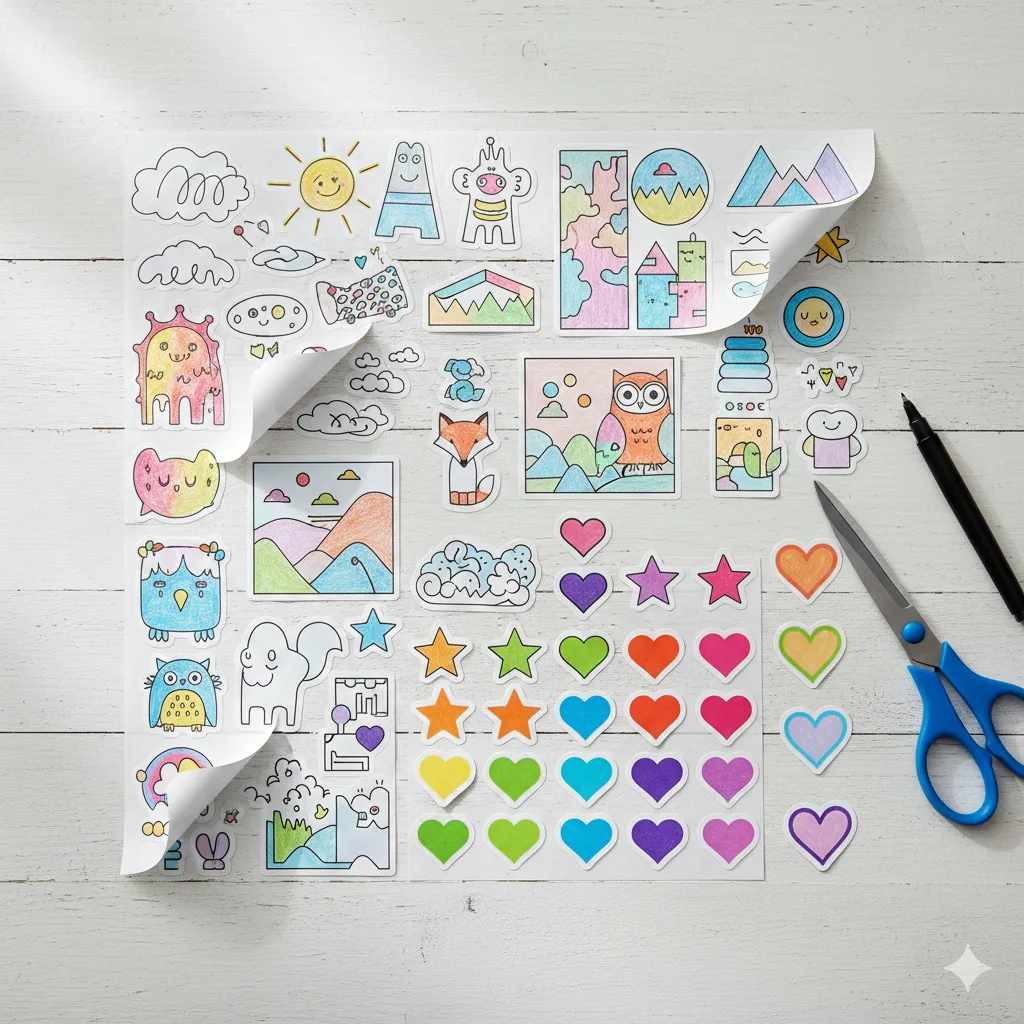
Want to customize your planner, level up your gift-wrapping game, or finally give your laptop some personality? Making your own stickers is one of the most satisfying DIY projects out there. Whether you’re an artist wanting to bring your doodles to life or a tech-lover using a Cricut, the process is surprisingly simple once you know the “pro” shortcuts.
Let’s turn your designs, photos, or digital ideas into stickers that actually stick—without the curling edges or blurry prints.
Watch this easy tutorial to learn how to make stickers with Cricut:
Know Your Stickers (So You Don’t Waste Time or Materials)
The secret to how to make stickers that look professional is choosing the right “canvas.” Not all sticker paper is created equal, and using the wrong one for your project is the fastest way to end up with a soggy mess.
Different Sticker Types
- Paper Stickers: Great for planners and indoor use. They are easy to write on but hate water.
- Vinyl Stickers: The gold standard. They are durable, water-resistant, and perfect for water bottles or cars.
- Printable vs. Transparent: Printable paper has a white background; transparent sheets let the surface underneath show through.
Quick Vibe Check:
- Adhesive Type: Do you want “permanent” (stays forever) or “removable” (no residue)?
- Thickness: Thicker vinyl feels more premium but can be harder for basic printers to feed.
- Finish: Glossy makes colors pop; matte gives a modern, sophisticated look.
Sticker-Making Hacks That Actually Work (No Fails)
Before you hit “Print,” remember that a few seconds of prep can save you a whole sheet of wasted paper.
Design First, Cut Later (Plus One Upgrade)
Always group your designs close together on the page to save paper, but leave enough “white space” between them so your scissors or machine don’t accidentally clip a neighboring design.
- The Upgrade: Always do a test print on a regular sheet of copy paper. Hold it up to your sticker sheet to ensure the scale is right before using your expensive adhesive paper.
Peel-and-Stick Tricks
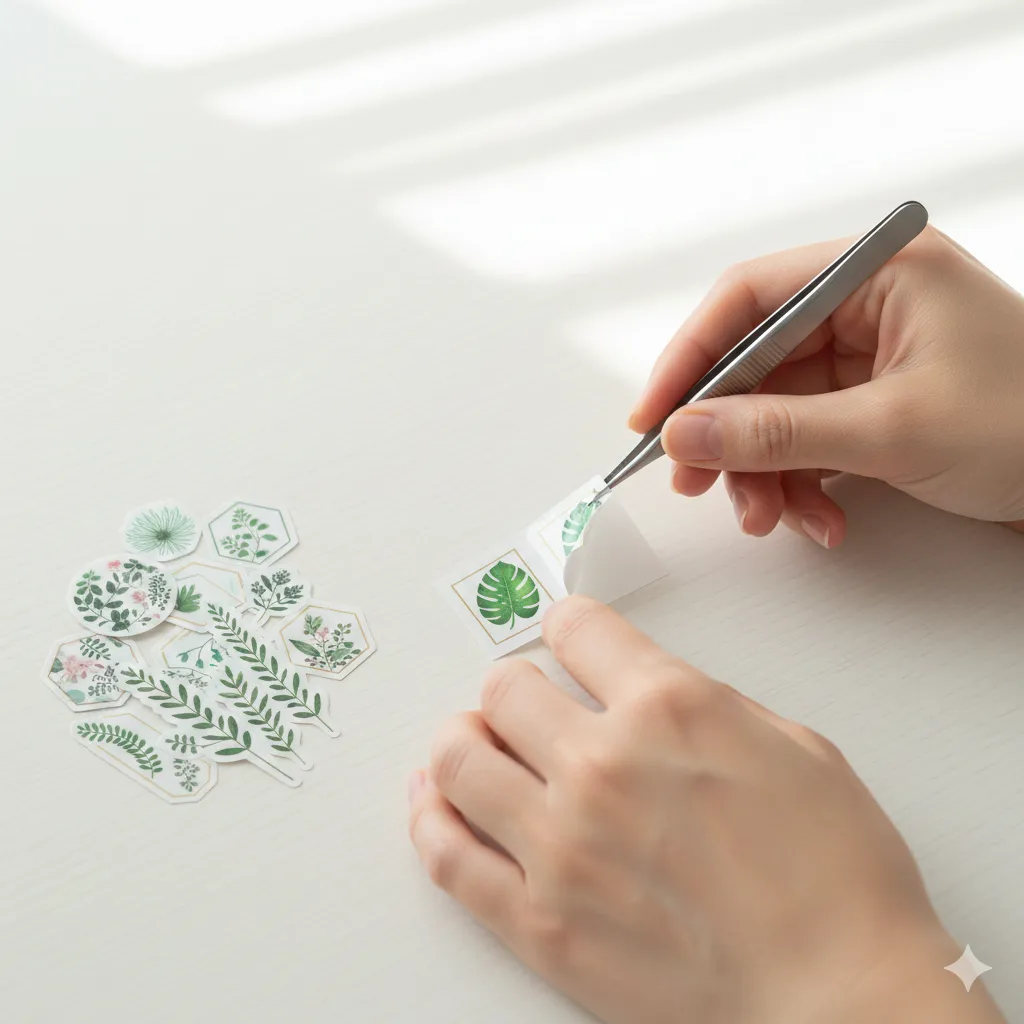
If you find your stickers are curling at the edges, it’s usually because of the oils on your fingers or the humidity in the room.
- The Fix: Use a pair of tweezers to peel the backing. If you’re making stickers to sell or gift, use parchment or wax paper as a temporary backing. It keeps the adhesive fresh until you’re ready for the final stick.
How to Make Stickers With Cricut
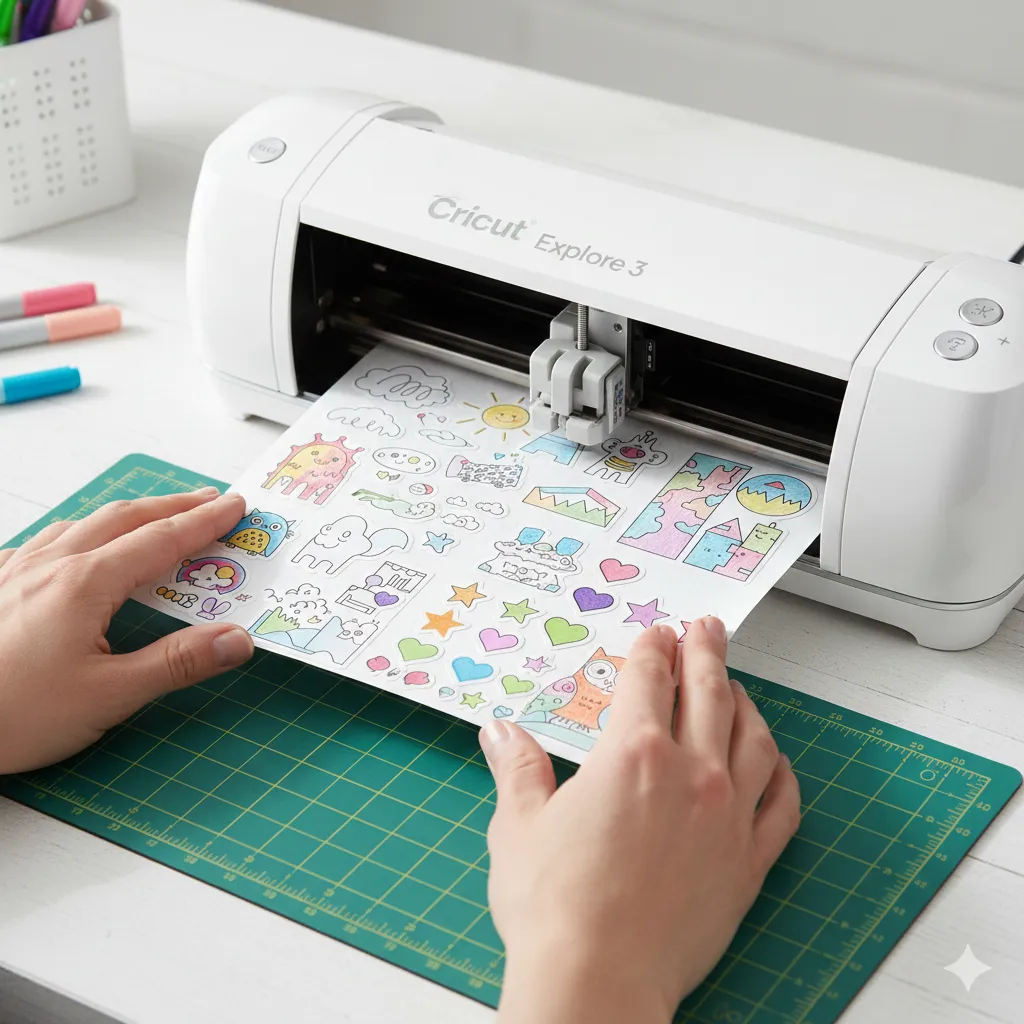
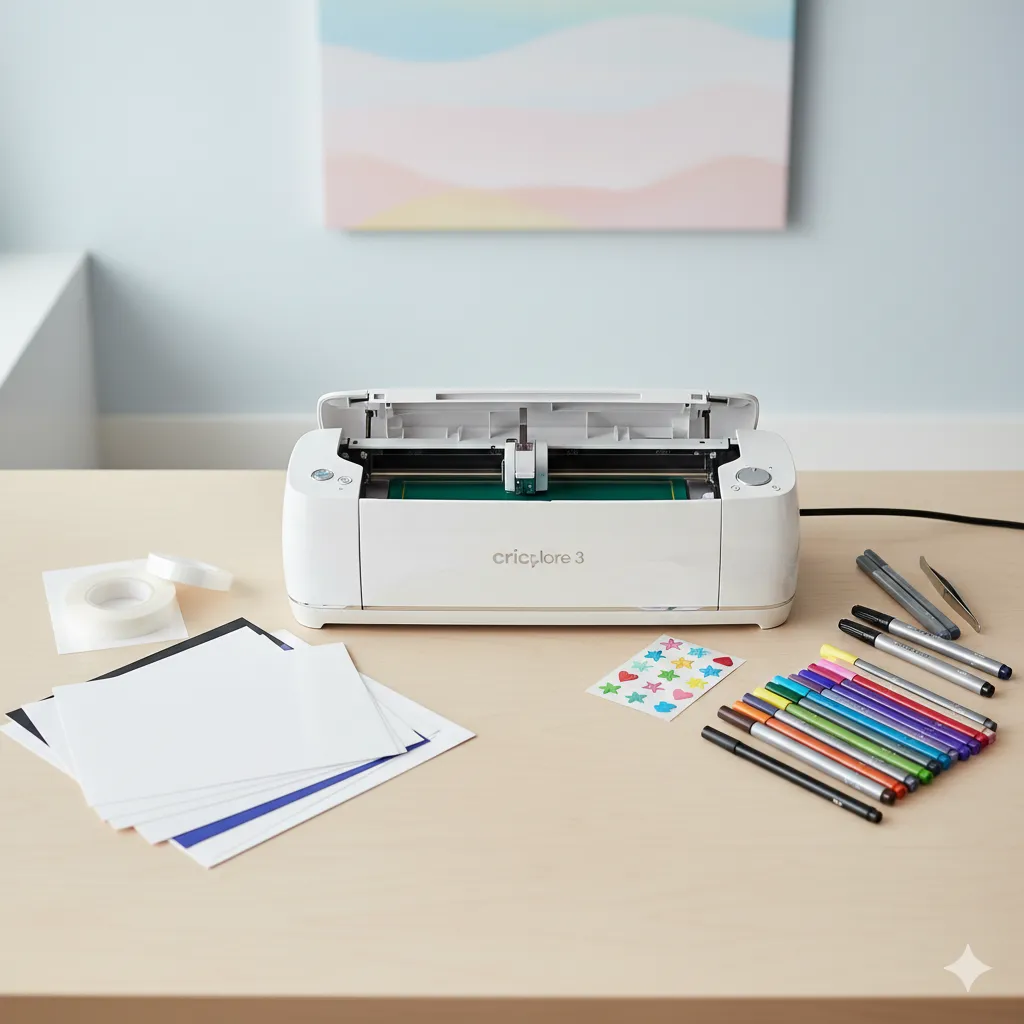
If you want that perfect, “die-cut” look, a cutting machine is the way to go. Here is how to make stickers with Cricut using the “Print then Cut” feature.
- Design: Upload your image to Cricut Design Space. Add an “Offset” (a thin white border) to give it that classic sticker look.
- Print: Use your home printer to print the design onto sticker paper. The Cricut will print a black “registration box” around it.
- Cut: Place the sheet on your cutting mat. Select the “Sticker Paper” setting in the software. The machine’s sensor will read the black lines and cut perfectly around your art.
- Laminate (Optional): For extra durability, place a clear cold-laminate sheet over your printed design before letting the Cricut cut it.
Cricut Mistake to Avoid: Make sure your lighting is good! If the room is too dark, the Cricut sensor might not be able to read the registration marks, leading to a “cut error.”
How to Make Homemade Stickers
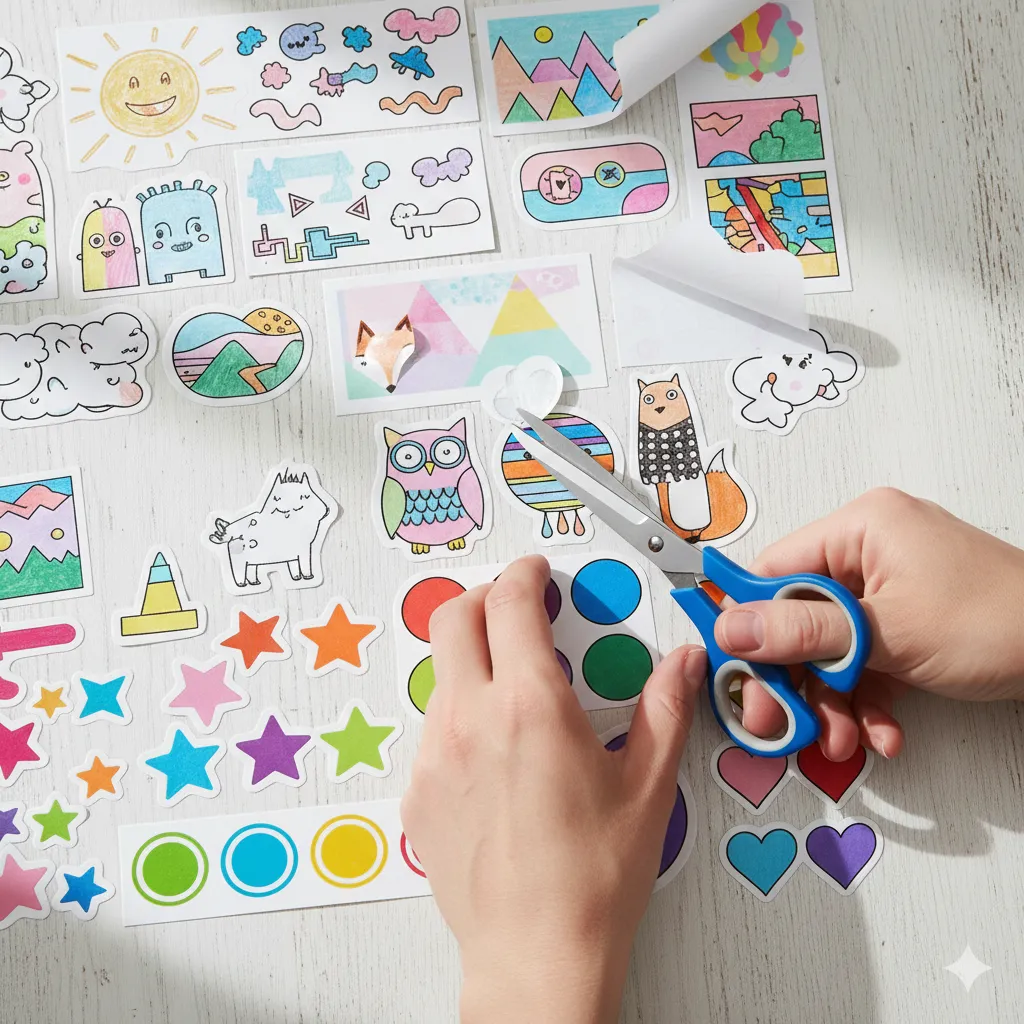
You don’t need fancy tech to get started. Learning how to make homemade stickers is as simple as raiding your junk drawer.
- The Packing Tape Method: Draw your design on paper and cut it out. Place a piece of clear packing tape over the front, and use double-sided tape or a glue stick on the back.
- The Sticker Paper Method: Buy “Full Sheet” sticker paper. Print your designs, and use a pair of sharp micro-tip scissors to cut them out manually.
- Home Fix: If your hand-cut stickers look jagged, use a fine-tip permanent marker to trace the edge. It hides any uneven snips!
How to Make Stickers From Photos
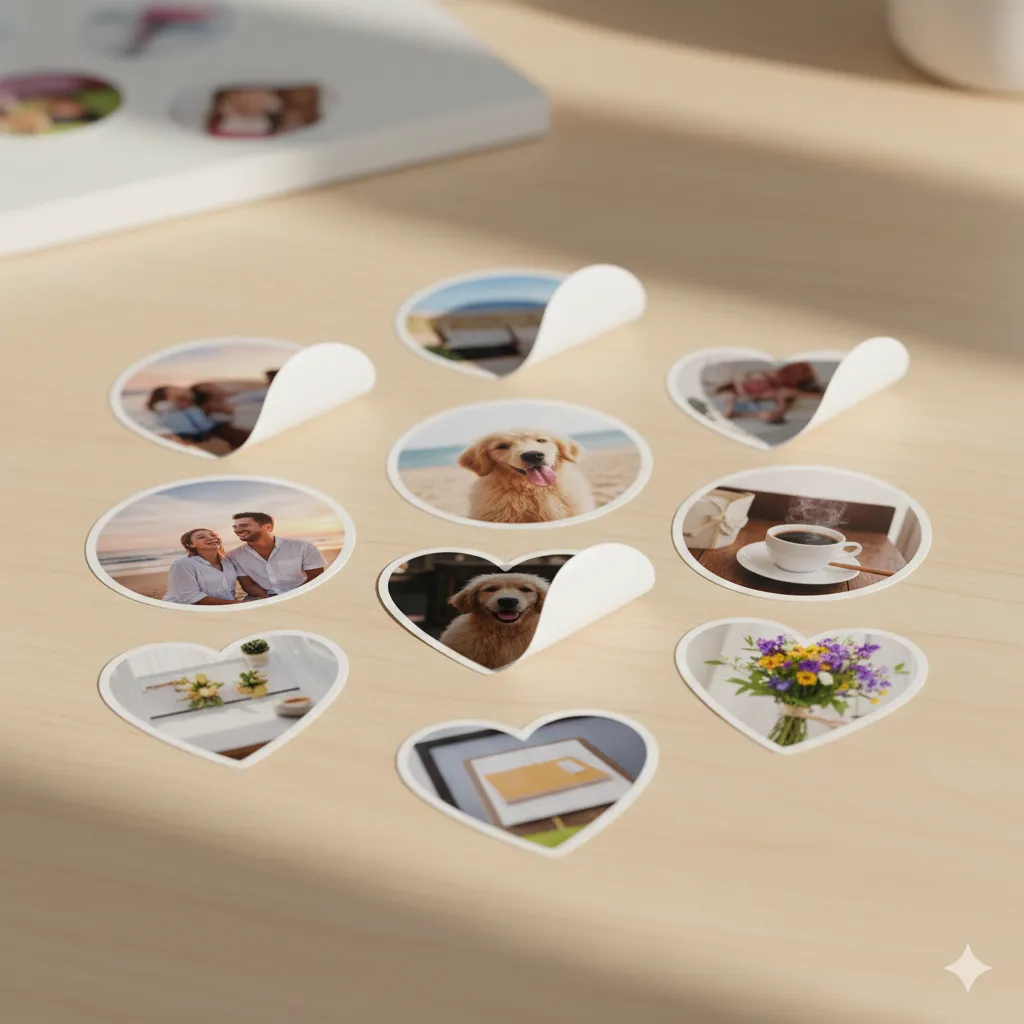
Turning memories into stickers is a great gift idea. To figure out how to make stickers from photos, focus on resolution.
- Resolution is King: Use photos with at least 300 DPI. If the photo looks blurry on your phone, it will look twice as blurry as a sticker.
- Shape: Use a photo editing app to “mask” your photo into a circle or heart shape before printing. This looks much more intentional than a plain rectangle.
Common Sticker Problems and Fast Fixes
| Problem | The Fast Fix |
| Peeling off too easily | Clean the surface with rubbing alcohol first to remove oils. |
| Colors smear when touched | Your printer ink is still wet. Let it dry for 30 minutes, or seal it with clear spray. |
| Stickers tear when peeling | The cut was too deep. Adjust your blade depth or use a “kiss-cut” setting. |
| Paper Jams | Fan the sticker paper before loading it to prevent the sheets from sticking together. |
FAQs
Can I make stickers at home without a printer?
Yes! You can draw directly onto sticker paper with markers, or use the “Packing Tape and Water” method to transfer magazine images onto tape.
What kind of paper works best for homemade stickers?
For most people, “Matte Printable Vinyl” is the best balance of price and quality.
How do I make vinyl stickers stick longer?
Apply them to a smooth, non-porous surface and use a credit card to squeegee out any air bubbles. Avoid “textured” plastics.
Closing Thoughts
Sticker-making is a gateway craft—once you start, you’ll want to label everything in your house. Whether you’re going high-tech with a Cricut or old-school with scissors and tape, the key is in the prep. Plan your layout, check your ink, and don’t be afraid to experiment with different finishes.
Next, learn How to Make a Stencil with Cricut.